Voice IO
daily driverSay something. Your AI assistant talks back.
Voice IO is what lets you actually speak to your AI assistants out loud and hear them answer in a natural voice. Two little tools handle the two halves: one listens and converts speech to text, the other takes text and speaks it aloud.
- Python
- OpenAI Whisper
- Google Cloud TTS
- Piper TTS
- sox
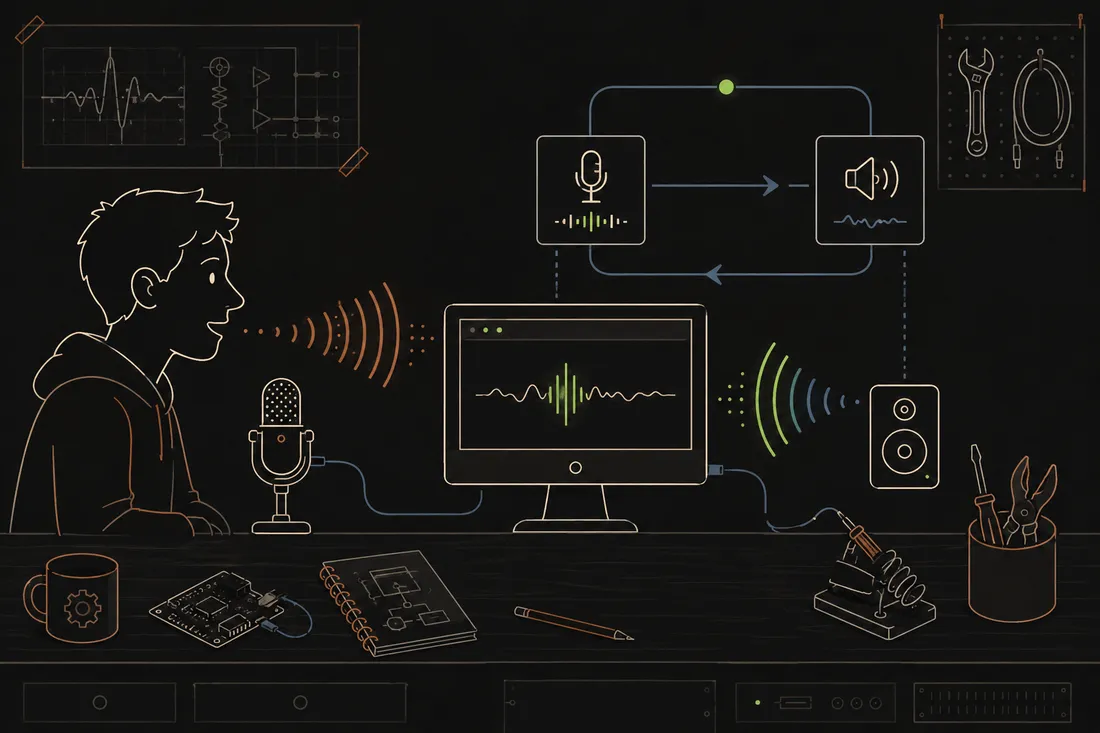
There's something almost magical about asking your computer a question out loud and having it answer back in a real voice. Voice IO makes that happen, and it works with several different voice engines, from a warm Google voice to a snappy local one that never sends audio to the internet at all. It even has a "go dark" mode where it waits quietly for a specific phrase before waking up again, so it's not burning API calls while you grab a coffee.
What it does
Voice IO is a pair of command-line tools: gspeak speaks any text out loud, and glisten records what you say and converts it to text. Together they form a complete voice loop - the AI writes a response, gspeak reads it aloud, glisten captures your reply, and the conversation keeps going.
It supports multiple voice engines (Google Cloud, OpenAI, a fast local one called Piper, and even a classic robot voice for fun). There's also a standby mode that listens locally (no cloud calls) and waits for a specific wake-back phrase before resuming. On the listening side, OpenAI's Whisper model turns speech into text with impressive accuracy.
Why it's neat
You actually talk to it
You can have a real back-and-forth voice conversation with Claude or another assistant, no typing required.
Picks its own voice
Google, OpenAI, or a fully local voice engine - it can speak without ever sending audio off the computer.
Goes dark when idle
A "standby" mode listens locally for a wake phrase so it's not burning API calls or battery while waiting.
How it works
1. The AI composes a reply
An AI assistant (like Claude) generates a text response to whatever you asked.
2. gspeak reads it aloud
The response is sent to gspeak, which picks a voice engine and plays the audio through the speakers.
3. glisten captures the next question
A chime plays, the mic opens, you speak, and glisten sends the audio to Whisper for transcription.
4. The loop continues
The transcribed text goes back to the AI, and the conversation keeps going until you say goodbye.